
Conference Room Systems for Toledo, Ohio Businesses
Stop wasting the first 10 minutes of every meeting trying to get the display to work. We build one-touch meeting rooms that work every single time.
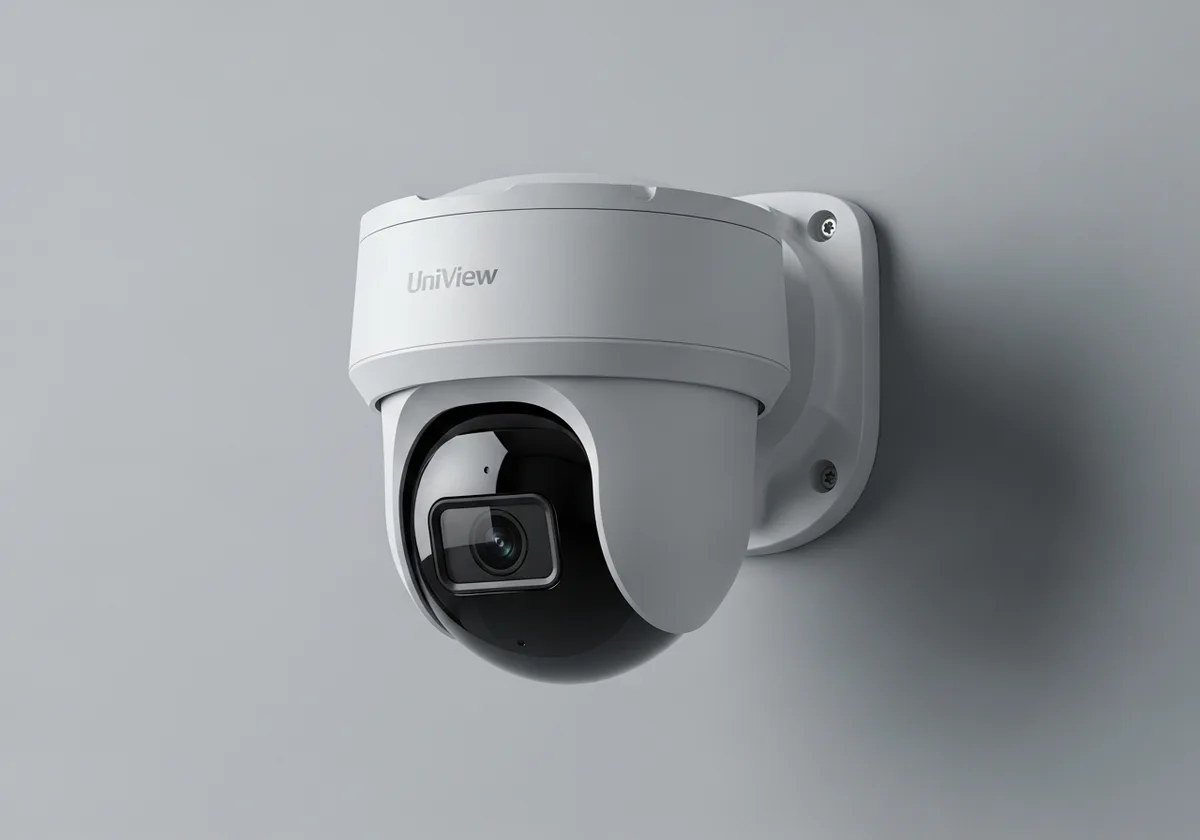
Conference room systems are professionally designed and installed Microsoft Teams Rooms or Zoom Rooms — purpose-built devices with cameras, microphones, displays, touch controllers, and clean cabling — that deliver one-touch meeting join, automatic content sharing, and reliable audio and video for huddle rooms, conference rooms, and boardrooms.
Microsoft Teams Rooms & Zoom Rooms for Toledo Businesses
We design and install seamless Microsoft Teams Rooms and Zoom Rooms for Toledo-area businesses that work with one touch. Walk in, tap the screen, and your meeting starts. No dongles, no driver issues, no fumbling with HDMI cables while everyone on the call watches you struggle. Whether you're outfitting a small huddle room in a Perrysburg office park, a boardroom in downtown Toledo, or a training center for a Northwest Ohio manufacturer, we specify the right hardware for your room size, run clean cabling, configure everything, and train your team. Meetings that just work — every time.
We specify equipment based on your room size, shape, and usage patterns. A 4-person huddle room doesn't need the same setup as a 20-person boardroom. We get the right gear in the right room, run clean cabling through walls and ceilings, and make sure everything works perfectly before we leave.
Conference Room Features
- Microsoft Teams Room (MTR) deployments
- Zoom Room configurations
- Professional audio with echo cancellation and noise reduction
- 4K cameras with intelligent framing and speaker tracking
- Wireless content sharing for BYOD
- Room scheduling displays and occupancy sensors
The Problem
Every Toledo business has lost productive time to conference room dysfunction. Adapters that don't fit. HDMI cables nobody can find. Drivers that need updating. The first 10 minutes of every meeting wasted. Remote participants who can't hear, can't see, or can't share screens. It's so common we've stopped noticing — but the cumulative cost across a year is enormous.
The fix isn't 'buy a TV and a webcam.' Real conference room systems are engineered for the room — its acoustics, dimensions, lighting, and use patterns.
Our Solution
We design and install Microsoft Teams Rooms or Zoom Rooms tailored to each room's size and purpose. Walk in, tap the touchscreen, the meeting starts. Cameras with intelligent framing follow speakers. Microphones reject noise. Wireless content sharing eliminates cable fumbling. Every install includes professional cabling and full team training.
Conference room systems integrate with Microsoft 365 and your VoIP system for unified communications. They run on properly designed networks with QoS for video traffic and pair naturally with whole-office AV and digital signage. Office moves and renovations are coordinated through IT project services.
How It Works
Assess the room
We measure dimensions, evaluate acoustics, check lighting, and discuss how the room is used. The hardware spec depends on these factors — there's no one-size-fits-all package.
Local example: A Sylvania law firm boardroom with high ceilings and a glass wall needed ceiling-mounted microphones and a tracking PTZ camera — a sound bar would have failed.
Design and quote
We design the system around the room — display(s), camera, microphone array, touch controller, room scheduling display, cable runs, and platform (Teams or Zoom).
Local example: A Perrysburg professional services firm got 4 huddle rooms with bar-style devices and 2 boardrooms with full Teams Rooms — same admin console for everything.
Install and cable cleanly
Cabling runs through walls and ceilings. Displays mount at proper heights. Touch controllers go where they're easy to use. Nothing visible or jury-rigged.
Local example: A Toledo manufacturer's training room install included a 98-inch display, ceiling array mics, and a recessed touch panel — finish carpentry made it look built-in.
Configure platform and train staff
Teams or Zoom Rooms are configured in the cloud with calendar integration, room scheduling, and remote management. Staff are trained on one-touch join.
Local example: A Maumee distributor's staff went from 'we hate the conference room' to actually preferring video meetings — first-time-join success rate went from ~40% to 98%.
Monitor and support remotely
Rooms are monitored remotely. Firmware is updated. When something acts up, we usually fix it before the next meeting.
Local example: A failing camera in a Northwest Ohio client's boardroom was flagged proactively — replacement was on-site before the next scheduled meeting.
Who This Is For
How This Works in Your Industry
Professional Services
Reliable client video meetings and partner collaboration across multiple offices.
Learn moreManufacturing
Engineering review rooms, vendor meetings, and training spaces with reliable AV.
Learn moreHealthcare
Telehealth-capable rooms, training spaces, and administrative meetings with HIPAA-aware configurations.
Learn moreEducation
Hybrid classroom and meeting spaces for districts and campuses.
Learn moreWhere We Serve
Flyght is headquartered at 7430 W Central Ave. in Toledo, Ohio, and we deliver service across the tri-state region from that one base. We don't claim offices we don't have — we cover Michigan and Indiana from our Toledo HQ with the same field engineers, account team, and 24/7 help desk you'd get if you were across the street from us.
Most day-to-day support is handled remotely. For on-site work — installs, project execution, hardware swaps, cabling — our field team rolls out across Northwest Ohio, Southeast Michigan, and Northeast Indiana.
Toledo · Perrysburg · Maumee · Sylvania · Bowling Green · Findlay · Oregon · Holland
Detroit Metro · Monroe · Ann Arbor · Dundee · Lambertville · Temperance
Fort Wayne · Auburn · Angola · Decatur · New Haven · Huntington
Don't Worry…
"We just use a laptop and a TV."
It works until it doesn't — which is most meetings. Dedicated room systems eliminate the friction completely.
"Teams Rooms or Zoom — we can't decide."
We deploy both, even dual-platform rooms. We help you decide based on what your organization actually uses.
"Renovating later — should we wait?"
If renovation is within a year, we coordinate with your contractor and design for the future room. Otherwise, we make today's room work and adapt later.
"Sounds expensive."
Cost varies dramatically by room size and feature set. Huddle rooms are surprisingly affordable. Boardrooms are an investment that pays off in productive meetings.
"We stopped being our own IT department the day we hired Flyght. One number to call, no surprise invoices, and our team finally has time to focus on the actual business. They take technology off our plate — exactly like they said they would."
— Operations Director, Northwest Ohio Manufacturer
Read more client storiesPick the Engagement Model That Fits
Not every business needs the same level of support. We offer three engagement models so you can match the way we work to the way your team operates today.
Fully Managed
We are your IT department. Help desk, monitoring, security, strategy — every layer dialed in for one predictable monthly cost.
Explore fully managedCo-Managed
Your internal IT team plus our enterprise tooling, after-hours coverage, and Tier 3 escalation. Everyone wins.
Explore co-managedProject & Break-Fix
One-off projects, migrations, or hourly support. Best for organizations who only need us when something specific comes up.
Talk to our teamFrequently Asked Questions
Teams Rooms or Zoom Rooms?
Depends on what your organization uses. We deploy both. If you're a Microsoft 365 shop, Teams Rooms is the natural fit. If you're Zoom-heavy, we'll configure Zoom Rooms. We can even do dual-platform rooms.
What does 'one-touch join' actually mean?
It means you walk into the room, tap one button on a touchscreen controller, and you're in your meeting. Camera on, microphone on, display shared. No laptop connections, no adapters, no 'hold on let me share my screen.'
Can you upgrade our existing conference rooms?
Absolutely. We assess what you have, what you need, and recommend the most cost-effective path. Sometimes it's a full system replacement; sometimes it's adding a better camera and microphone to what you already have.
How do you choose the right conference room equipment for our Toledo office?
We assess the room dimensions, acoustic characteristics, seating capacity, and lighting. A room with high ceilings and hard surfaces needs different audio treatment than a carpeted boardroom. We specify equipment based on your specific room — not a catalog package.
What's the difference between a Microsoft Teams Room and just using a laptop on a TV?
A Teams Room is a dedicated device that runs 24/7, joins meetings with one touch, provides enterprise-grade audio and video, shows room availability, and is centrally managed through the Teams admin console. A laptop on a TV requires someone to bring the laptop, log in, share the screen, hope the HDMI adapters are around, and struggle with audio every time. The difference in meeting experience is dramatic.
Do you handle the cabling and mounting for Toledo conference room installations?
Yes, entirely. We run cable through walls and ceilings, mount displays and cameras at the proper height and angle, manage cable routing so nothing is visible, and install control panels in the right location. Professional installation is what separates a conference room that looks good from one that actually works reliably.
Can you set up room scheduling displays outside the conference room door?
Yes. Room scheduling displays outside the door show real-time availability, allow ad-hoc booking, and help avoid the awkward 'we thought the room was open' situation. They integrate with your Microsoft 365 or Google Calendar so room availability is always accurate.
Do you provide ongoing support for conference room systems?
Yes. We provide remote monitoring and support for all conference room systems we deploy. If a camera firmware update causes an issue or a system needs reconfiguration, we handle it. You're not left troubleshooting a technical mess before an important client meeting.
How long does a conference room installation take?
A typical single-room installation takes 4–8 hours. We schedule installations to minimize disruption — often in the evening or on weekends for Toledo businesses that can't afford conference room downtime.
Tired of conference room headaches?
We'll design a room that makes meetings productive instead of painful. One touch, every time.
Get Your Free IT Assessment